
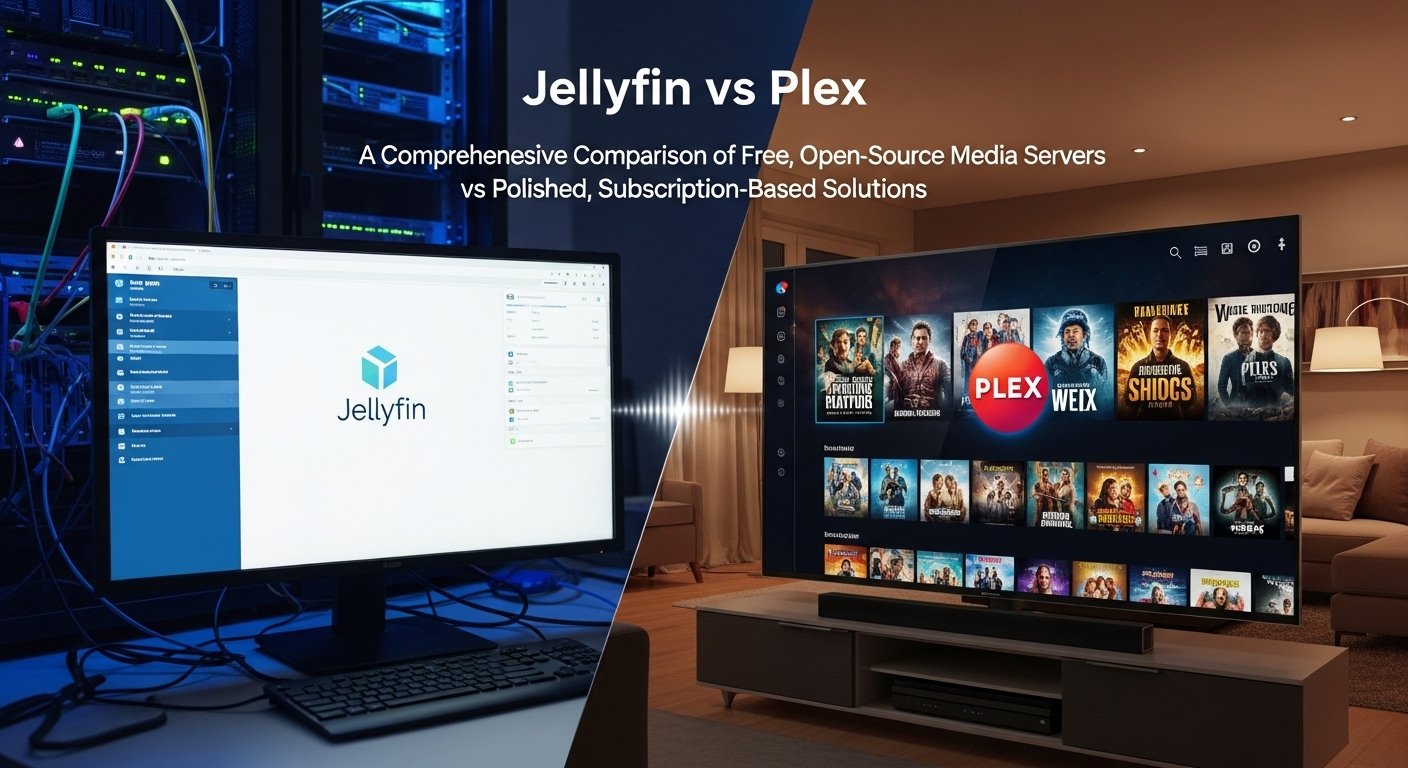
When it comes to streaming your personal media collection, two names dominate the scene: Jellyfin vs Plex. Both offer media server solutions that allow users to organize, stream, and access their media libraries across a variety of devices. However, while they share a similar goal, their approaches differ significantly—Jellyfin is a free, open-source platform, while Plex offers a polished, subscription-based experience with some advanced features behind a paywall.
In this comprehensive guide, we’ll dive into the key differences, pros, and cons of Jellyfin and Plex to help you make an informed decision. Whether you’re a tech enthusiast looking for privacy and complete control or someone who values convenience and a streamlined user experience, we’ve got you covered.
What is Jellyfin?
Jellyfin is an open-source media server that allows users to organize, stream, and access their digital content (movies, TV shows, music, and more) on a wide range of devices. Unlike many other media server solutions, Jellyfin doesn’t require a subscription or a paid plan to unlock advanced features. It’s fully free and community-driven, giving users a sense of privacy and control over their data.
Key Features of Jellyfin:
Free and Open-Source: Jellyfin is completely free to use, with no hidden paywalls or subscription tiers. You can install it on various platforms, including Windows, Linux, macOS, and Docker.
Privacy-Focused: Since Jellyfin is open-source, it’s built with privacy in mind. You can run it entirely offline, and it doesn’t track your data or require any personal information to function.
Hardware Transcoding Support: Jellyfin allows hardware-accelerated transcoding on a variety of devices, making it ideal for users with lower-powered servers who still want to enjoy smooth playback.
Customization Options: Jellyfin offers a high level of customization, from the server settings to the user interface.
What is Plex?
Plex is a well-known, polished media server solution that has been around for years. It allows you to organize, stream, and share your media collection across all devices, with a sleek and user-friendly interface. Plex is more polished than Jellyfin, with a professional-grade experience, but some advanced features require a Plex Pass subscription.
Key Features of Plex:
User-Friendly Interface: Plex offers a polished, intuitive interface that appeals to both beginners and advanced users. It’s easy to set up and navigate, with minimal technical know-how required.
Cross-Platform Support: Plex is available on almost every platform, including Windows, macOS, Linux, Android, iOS, Roku, smart TVs, and more.
Plex Pass Subscription: While Plex is free to use for basic media streaming, some advanced features like hardware acceleration, offline downloads, and more customization options are only available through a Plex Pass subscription.
Client App Support: Plex supports a wide range of client apps across various devices, making it easy to access your media wherever you are.
Jellyfin vs Plex: Head-to-Head Comparison
1. Cost and Accessibility
Jellyfin: Jellyfin is completely free to use. There are no hidden fees, no paywalls, and no premium subscription model. You get full access to all features right out of the box, making it ideal for budget-conscious users and those who prefer to avoid subscriptions.
Plex: Plex operates on a freemium model. The basic features are free, but if you want to unlock advanced features like hardware transcoding, offline downloads, and live TV, you’ll need to subscribe to Plex Pass, which costs about $4.99 per month, $39.99 per year, or $119.99 for a lifetime subscription.
2. User Interface and Setup
Jellyfin: While Jellyfin’s interface is functional, it’s not as polished as Plex’s. It offers customization options, but setting it up can be a bit more complex for beginners. However, advanced users who are comfortable with open-source software will appreciate the flexibility and control Jellyfin offers.
Plex: Plex shines in this area, providing a sleek and polished user experience. The interface is intuitive and easy to use, which is perfect for users who prefer convenience over customization. Plex also provides better support for client apps, making it easy to access your content across a variety of devices.
3. Privacy and Data Security
Jellyfin: Jellyfin is open-source, meaning the software’s code is available for anyone to inspect, modify, and contribute to. This transparency ensures that users can trust Jellyfin with their personal media, as there are no hidden data collection practices. You can also run Jellyfin entirely offline, further enhancing privacy.
Plex: Plex is a proprietary service that requires users to create an account to use its features. While Plex is generally considered secure, it does collect some user data for features like personalized recommendations and usage tracking. If privacy is your top priority, Jellyfin has the edge.
4. Hardware Transcoding
Jellyfin: One of Jellyfin’s standout features is its support for hardware transcoding, even on low-powered devices. This allows you to stream media in a variety of formats without using excessive CPU power, making it ideal for users with limited server resources.
Plex: Plex offers hardware transcoding for users with a Plex Pass subscription. However, if you don’t subscribe to Plex Pass, you’ll have to rely on software transcoding, which can be more taxing on your server’s hardware.
5. Customization and Flexibility
Jellyfin: As an open-source project, Jellyfin offers a high level of customization. You can modify its settings, interface, and even the server itself to suit your specific needs. This is ideal for users who like to tinker with their setup or need advanced configurations.
Plex: Plex provides fewer customization options compared to Jellyfin. The focus is on ease of use and a polished experience, so while you can tweak settings to an extent, you won’t get the same level of control that Jellyfin offers.
6. Media Library Management
Jellyfin: Jellyfin’s media library management is solid and includes features like metadata scraping, automatic artwork fetching, and support for multiple users. However, it might require more manual setup compared to Plex.
Plex: Plex excels in media library management, offering automatic metadata fetching, detailed movie/TV show information, and high-quality artwork. It also has a more refined experience for managing a larger media library, especially for families or groups with multiple users.
7. Streaming and Client Support
Jellyfin: Jellyfin supports streaming to a wide range of devices, including smart TVs, Android and iOS devices, and web browsers. However, it doesn’t have the same level of app support or polished client interfaces that Plex offers.
Plex: Plex supports streaming to virtually every device, including smart TVs, set-top boxes, smartphones, tablets, game consoles, and more. The client apps are highly polished and offer a seamless streaming experience.
Pros and Cons of Jellyfin vs Plex
Jellyfin Pros:
Completely free and open-source.
No subscription required for advanced features.
High level of privacy and control over your data.
Supports hardware transcoding on many devices.
Customizable interface and settings.
Jellyfin Cons:
Not as polished or user-friendly as Plex.
Limited client app support.
More complex setup for beginners.
Plex Pros:
User-friendly and polished interface.
Excellent client app support across multiple devices.
Supports hardware transcoding and premium features with Plex Pass.
Ideal for users who want a seamless, out-of-the-box experience.
Plex Cons:
Some advanced features require a Plex Pass subscription.
Privacy concerns due to account creation and data collection.
Less flexibility for customization compared to Jellyfin.
Which One Should You Choose: Jellyfin vs Plex?
Choosing between Jellyfin and Plex depends largely on your needs and preferences. Here’s a quick guide:
Choose Jellyfin if:
You want a completely free, open-source solution.
You prioritize privacy and want to keep your media server offline.
You’re comfortable with a bit of extra setup and enjoy customizing your media server.
Choose Plex if:
You want a polished, user-friendly experience with minimal setup.
You’re willing to pay for premium features like hardware transcoding and offline downloads.
You want a seamless, cross-platform solution with strong client app support.
Conclusion: The Best Media Server for You
Both Jellyfin vs Plex offer powerful media server solutions, but each serves a different audience. If privacy and cost are your main concerns, Jellyfin is an excellent choice. However, if you prefer a polished, easy-to-use platform with advanced features behind a paywall, Plex might be the better option for you.
Want to try Jellyfin or Plex for yourself?
Both platforms are free to use, with Plex offering a trial of its premium services. Head over to their websites today to explore which media server fits your needs best!
