
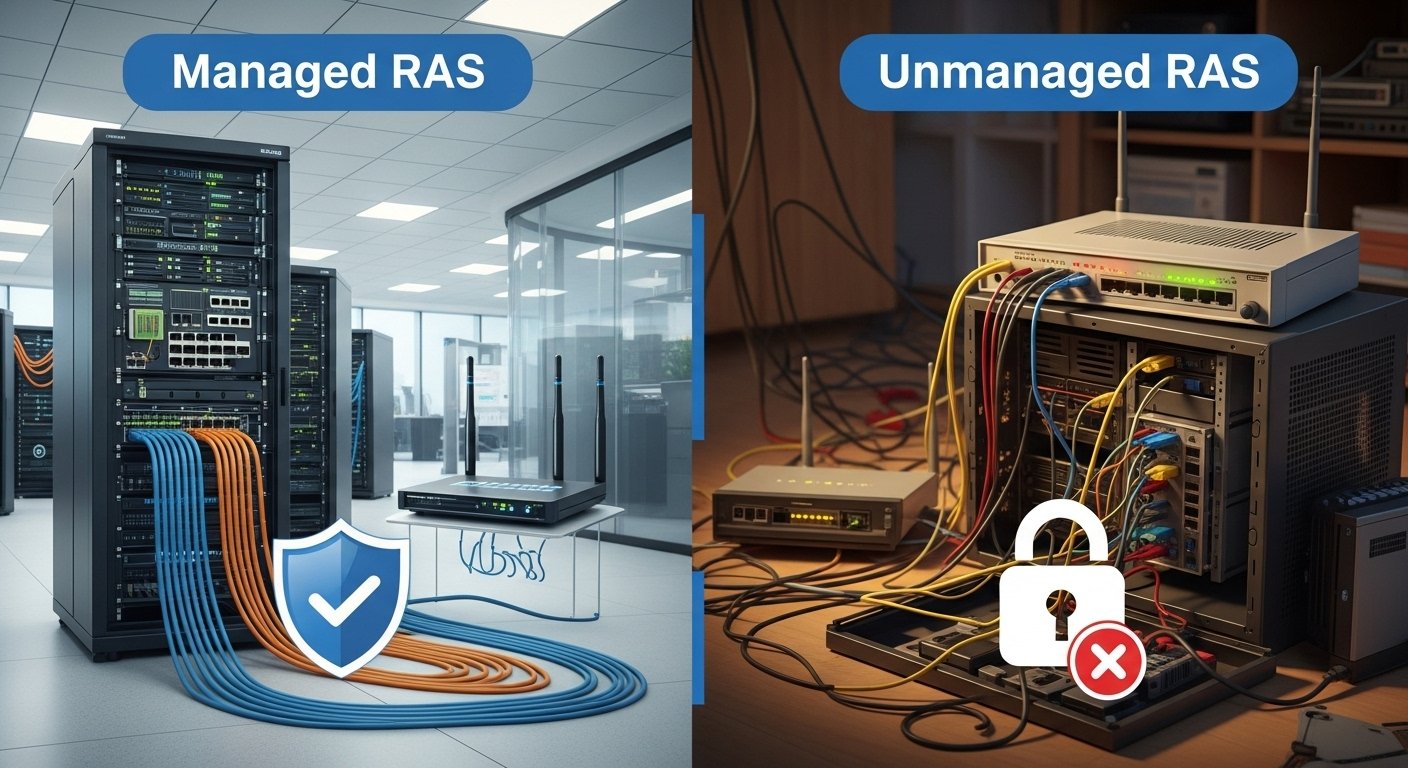
The reporting architecture you decide to use is usually the invisible line between an easy user experience and IT hell. SAP developers and administrators who are working in the SAP environment understand how important it is to know what the difference is between a Managed Report Application Server (RAS) and an Unmanaged RAS. It determines not only the way your reports are processed, but also how secure, scalable and expensive your deployment will be.
Whether you’re slogging through the confusing world of SAP BusinessObjects or are looking to maximize your current environment, this is what you need to know in order to make the right decision for 2026.
Understanding Managed RAS
Visualise a Managed RAS as residing within a gated community. It’s running within a bigger, secured framework – namely the SAP Crystal Reports Server or SAP BusinessObjects Business Intelligence platform environment.
In this configuration, the RAS is “controlled” by a Central Management Server (CMS). There are very clear benefits to this in terms of governance. You get the closed loop to who can access what, be compliant and secure.
Technically, that’s powerful because the Managed RAS leverages both the ReportClientDocument object Model and the InfoObject object Model. This two-model architecture allows for very tight integration with the enterprise repository by treating reports as secure application objects in opposition to simple files on a disk.
Understanding Unmanaged RAS
If Managed RAS is a suburb, Unmanaged RAS is rural living. It offers independence and flexibility. In “unmanaged” mode, the report processing does not depend on the heavy infrastructure of the Business Objects Enterprise system for authentication or management.
Instead, the applications integrate with the reporting engine itself. Reports are usually accessed by a file path (usually via the rassdk:// prefix) rather than querying a CMS directly. This method has proved to be well-suited for creating bespoke business systems, where the complexity of a full enterprise platform is not applicable.
An architecture such as this depends largely on its components, like the Java Reporting Component, which allows extending reporting capability into a Java application without needing to go through the full server-side session login.
Key Differences Between Managed and Unmanaged RAS
The choice often comes down to the trade-off between strict governance and development flexibility. Here is how the two compare across critical data points.
| Feature | Managed RAS | Unmanaged RAS |
| Primary Environment | SAP BusinessObjects BI Platform | Standalone / SDK Integration |
| Object Models Supported | ReportClientDocument & InfoObject | ReportClientDocument only |
| Access Method | Enterprise Authentication (CMS) | File Path / Direct SDK Calls |
| Scalability | High (Server-side load balancing) | Moderate (Limited by application resources) |
| Security Framework | Centralised, granular permissions | Application-level (Developer-defined) |
Managed RAS generally incurs higher infrastructure costs due to the requirement of the full BI platform, whereas Unmanaged RAS can be more cost-effective for smaller, specific use cases.
Factors to Consider When Choosing
When deciding which path to take, look at your business constraints:
- Business Size: Large enterprises with strict compliance needs almost always require Managed RAS for its security features.
- Technical Expertise: Unmanaged RAS requires developers comfortable with direct SDK manipulation.
- Security Requirements: If your data requires audit trails and role-based access control (RBAC) out of the box, Managed is the safer bet.
Industry Trends and Future Predictions
The move to cloud computing is making the distinction between these types of architectures less clear. Hybrid Deployments: We continue to see hybrid deployments where the heavy lifting is cloud-managed and only lightweight reporting is unmanaged for speed.
But you can’t dismiss your hardware setup, even if you theoretically don’t have to care about it. Whether it’s a managed server or a standalone node, having the best hardware is of paramount importance. Managers usually employ firmware tools to adjust performance. For example, the Advanced Settings Utility is an advanced customisation utility that goes above and beyond a routine setup utility, which you access by tapping a key, for example, F2, F1, or Delete during the system’s start-up.
And as we peer in the direction of AI and reporting integration, stability thus guaranteed by the Managed-realm will likely be considered best practice for managing automated insights, especially when they are dealing with vast amounts of data.
Conclusion
There’s no “best” solution, just the one that aligns with your operational maturity. Opt for Managed RAS if your requirement is security of the SAP BusinessObjects ecosystem and central control. Opt for Unmanaged RAS if you want speed, flexibility, and a lower profile around custom applications.
Evaluate the resources you have, what security is required and select a design that grows with your business.
FAQs
What is the main advantage of Managed RAS?
It provides a single point of security and administration within the SAP BusinessObjects Enterprise framework for multiple use cases, even in the largest enterprises.
Do I have to log in completely for Unmanaged RAS?
Most likely not. Unmanaged reports do not need enterprise authentication, and you can access the file directly through code.
Does Unmanaged RAS support the InfoObject Model?
Answer: No, Unmanaged RAS is using the ReportClientDocument Object model. The InfoObject model is unique to the Managed world.
Which version is more expensive?
Hosted RAS is generally more costly because of licensing and infrastructure needs for the full SAP BusinessObjects platform.
What is The Java Reporting Component?
It is a critical component in the unmanaged architecture, which enables Java applications to run, process and explore Crystal Reports files without utilizing a full Enterprise server.
